Skip to product information
1 of 10

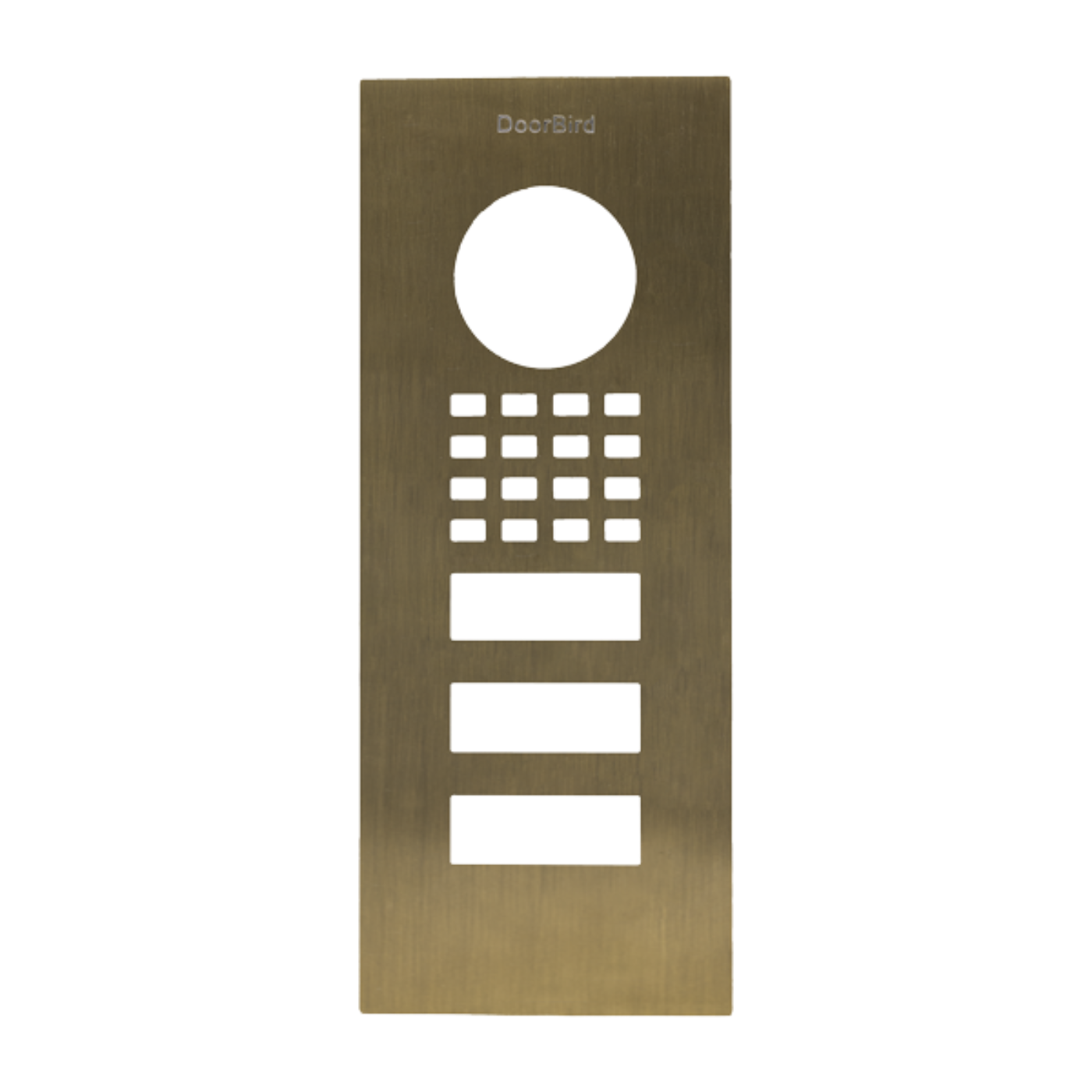
DoorBird Front Panel for D1102V Flush-Mount in Real Burnished Brass - 423873841

DoorBird Front Panel for D1102V Flush-Mount in Real Burnished Brass - 423873841

Regular price $404.99 USD
Regular price $539.31 USD Sale price $404.99 USD
Sale Sold out

Description

DoorBird Front Panel for D1102V Flush-Mount in Real Burnished Brass - 423873841

Features
  • Fits only a D1102V Flush-mount IP Video Door Station
  • Real burnished brass
What our Experts Think
  • Elegant & Durable – Real burnished brass offers long-lasting beauty and corrosion resistance.

  • Perfect Compatibility – Custom-designed for DoorBird D1102V Flush-Mount units.

  • Premium Aesthetic – Warm, sophisticated finish enhances any modern or classic entrance.

  • Easy Installation – Flush-mount design allows secure, straightforward setup.

  • Low Maintenance – Built to withstand daily use and outdoor exposure while retaining its shine.

  • Professional Quality – Ideal for high-end residential and commercial access points.

Q&A

Q1: What is the DoorBird Front Panel for D1102V?
A1: A premium flush-mount front panel in real burnished brass, designed for D1102V door stations to enhance both security and style.

Q2: Is it suitable for outdoor use?
A2: Yes, crafted from durable brass with a burnished finish, resistant to weather and corrosion.

Q3: Can it be easily installed?
A3: Yes, designed for flush-mount installation with standard D1102V mounting procedures.

Q4: Does it affect DoorBird functionality?
A4: No, fully compatible with D1102V door stations, retaining all IP and access control features.

Q5: What maintenance is required?
A5: Minimal; simply clean with a soft cloth to maintain the burnished brass finish.

Maintenance Tips
  • Clean Gently: Wipe the brass surface with a soft microfiber cloth to remove dust and fingerprints.

  • Avoid Harsh Chemicals: Do not use abrasive cleaners, alcohol, or solvents that can damage the burnished finish.

  • Maintain Finish: Lightly polish with a non-abrasive brass cleaner if needed, following manufacturer instructions.

  • Protect from Moisture: Ensure the panel remains dry and water does not pool around edges.

  • Inspect Mounting & Connections: Check that the panel is securely installed and all internal connections are intact.

  • Update Firmware: Keep the connected DoorBird system firmware current to ensure reliable performance.

View full details